Dating App Photo Rejected? Why It Happens and How to Fix It
Almost every rejected dating photo fails one of three checks: the app cannot see your face clearly, it cannot tell the photo is you, or something in it breaks the rules. Swap in a well-lit solo photo where your face is large and unobstructed, with no text, other people or heavy skin exposure, and it will usually go through. Below are the common reasons and the fix for each.
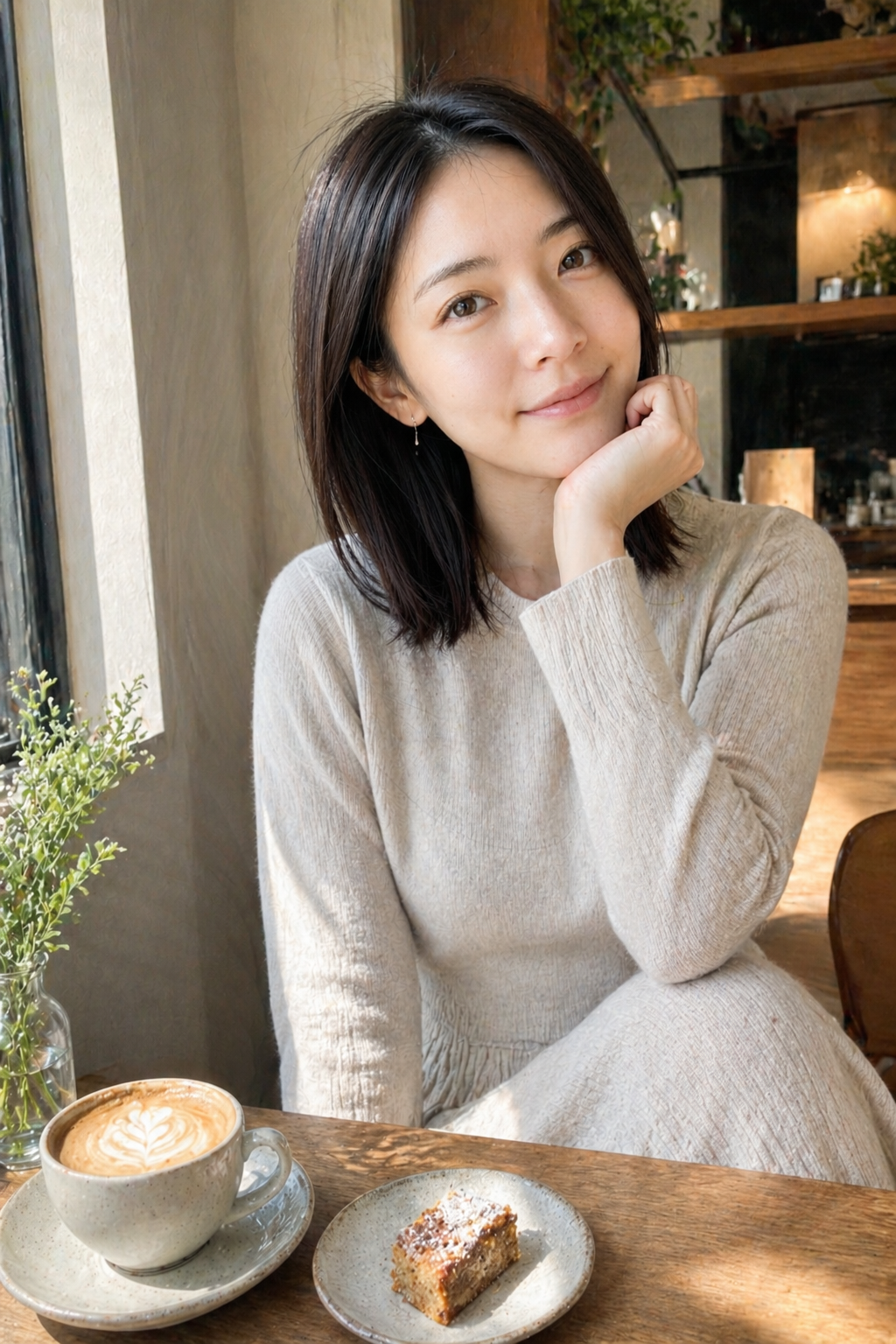
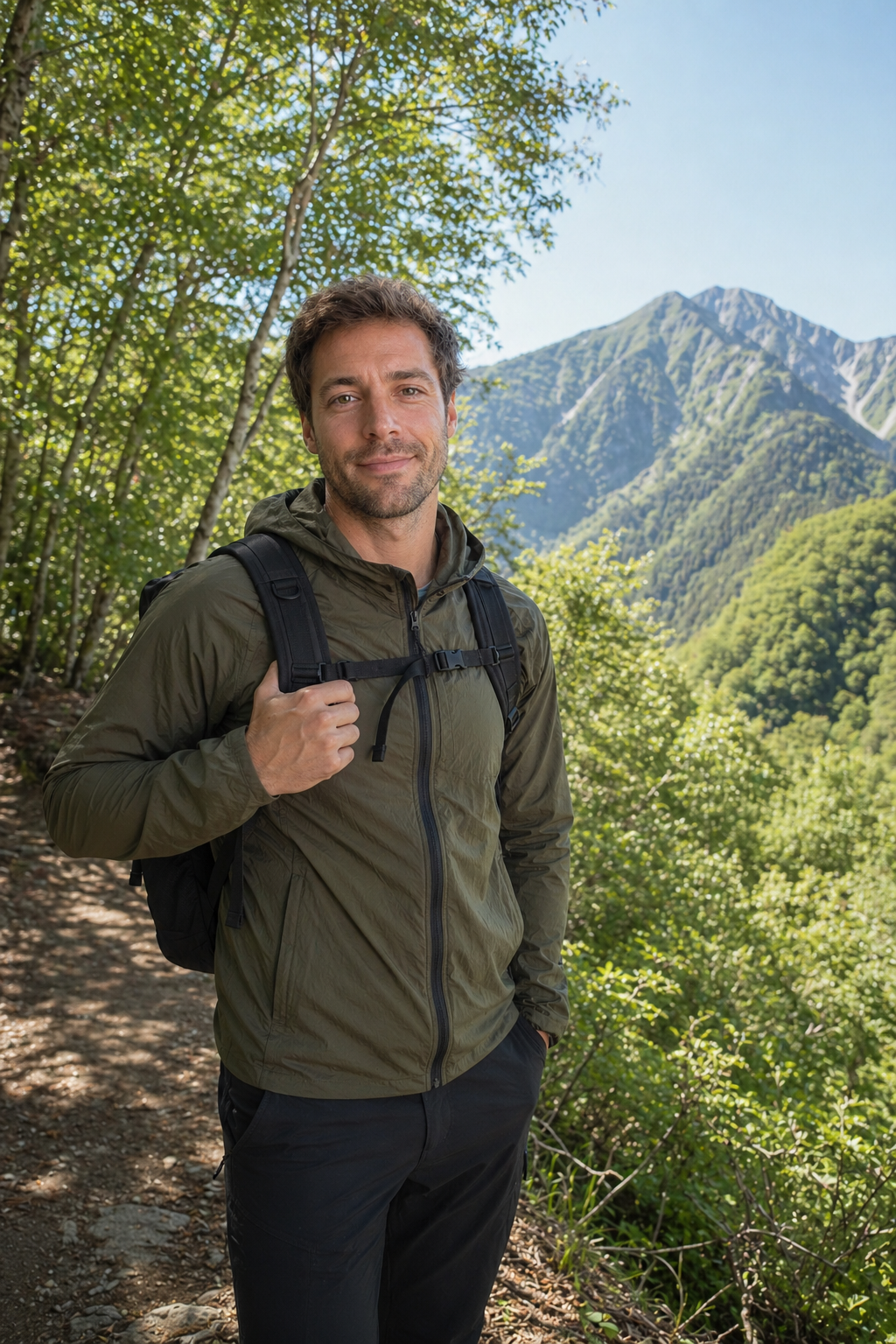
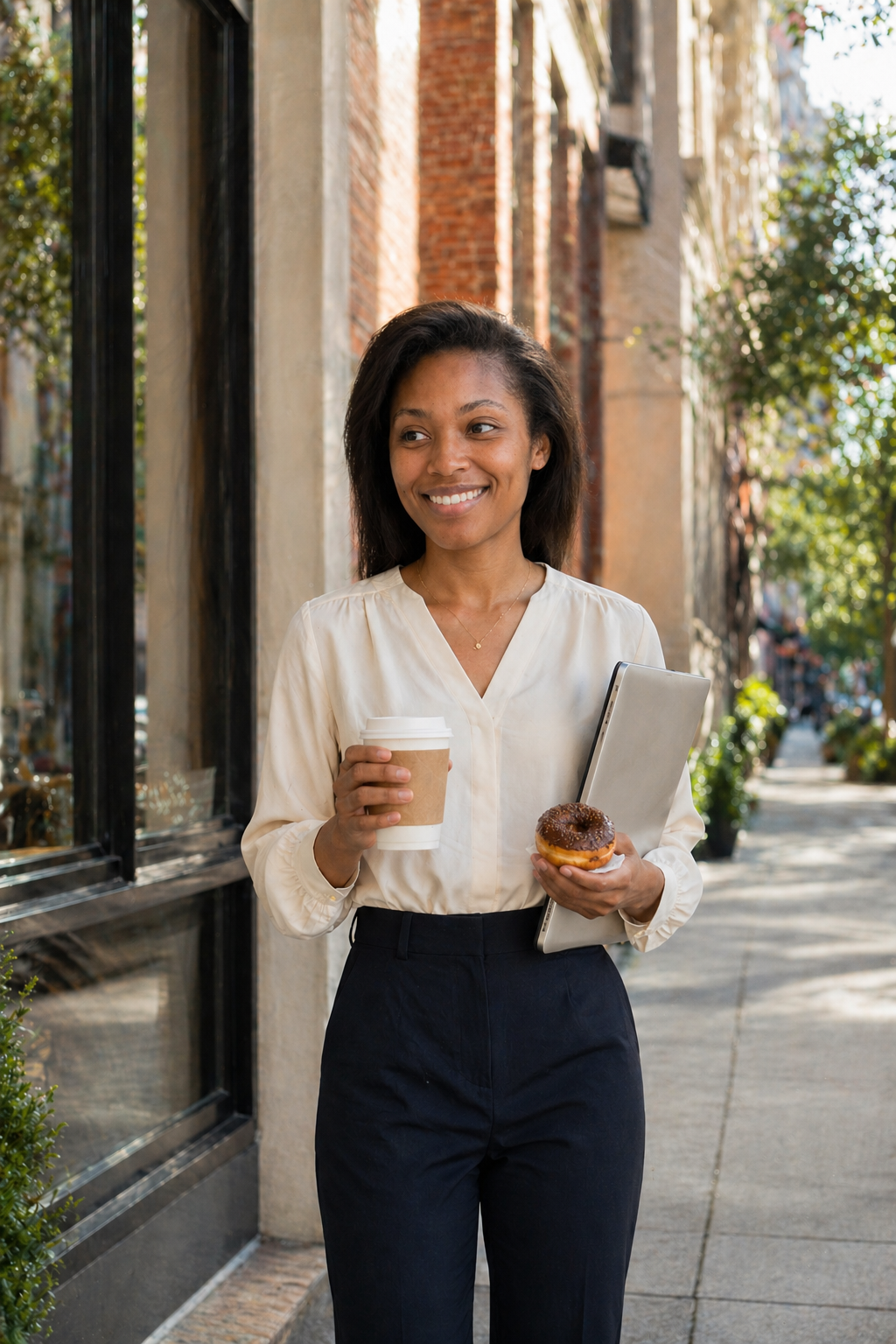
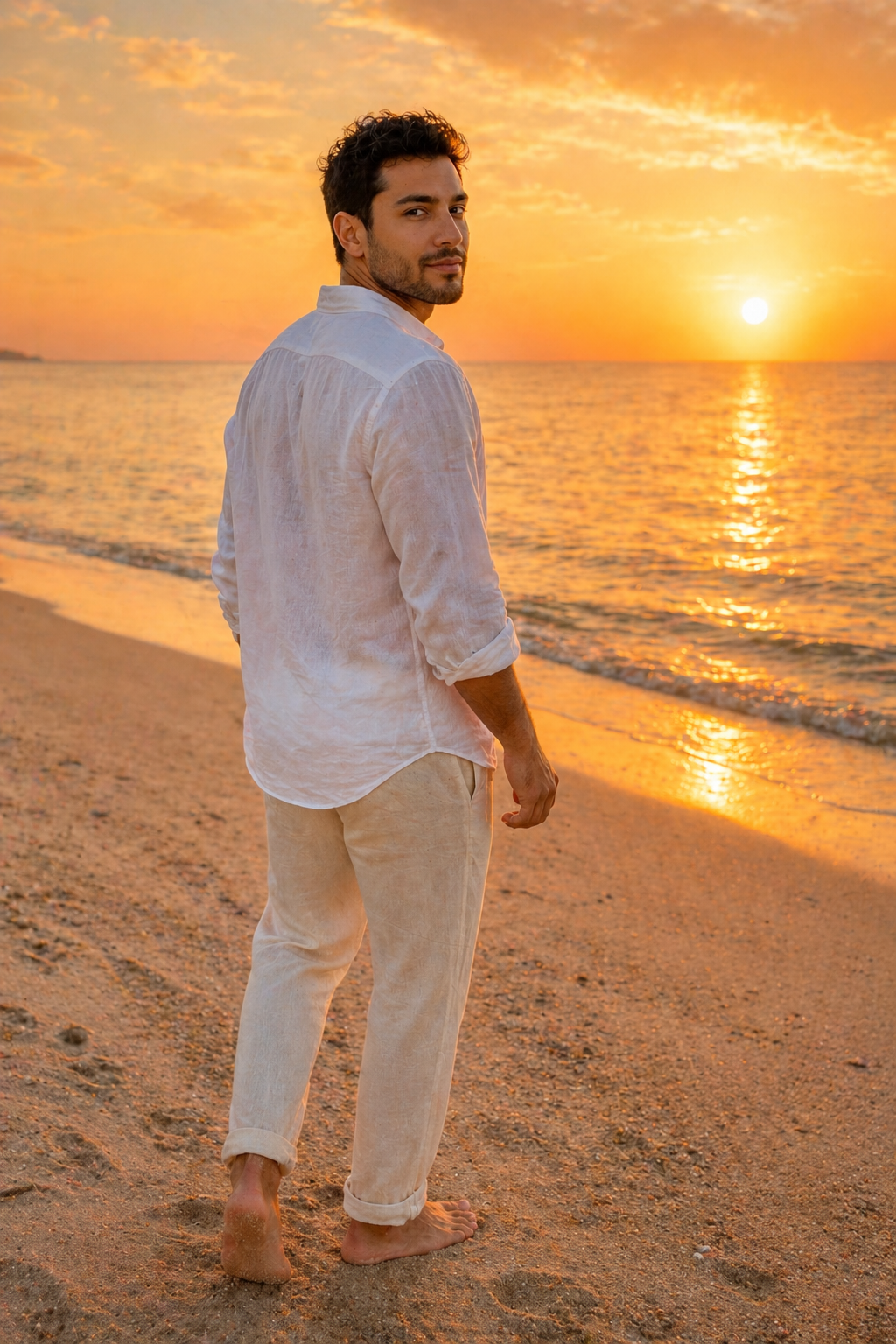
The common rejection reasons at a glance
Each app has its own rules and rarely publishes exactly how moderation works, but the patterns that get photos rejected or removed are remarkably consistent. Find yours in the table first.
If the rejection notice gives a reason, trust that over everything else. If it does not, work down the table from the top.
| What gets rejected | How to fix it |
|---|---|
| Face too small, dark or covered | Use a bright photo where your face fills at least a third of the frame |
| Group photo, unclear which one is you | Use a solo photo (a crop works) |
| Not you: celebrity, landscape, pet only, cartoon | Replace with a real photo of your face |
| Blurry, low resolution or heavily filtered | Use a recent, sharp original with light edits only |
| Usernames, phone numbers, QR codes, watermarks | Crop the text out or pick another photo |
| Nudity, underwear or suggestive focus | Use an everyday, clothed photo |
| Children in the photo | Use a photo without kids |
Your face is hidden or too small
This is the most common one. Moderation exists to confirm that the person in the photo is the person someone will meet, so a photo where your face cannot be read is unlikely to be accepted as a main photo.
Sunglasses, face masks, low caps, strong backlight and wide shots where you are a speck all tend to be treated the same way. For the first photo, go head-and-shoulders, facing the camera or slightly angled, eyes visible.
Group shots and photos that are not you
When several people are in the frame, nobody can tell which one is you, so many apps will not accept it as the main photo. If your friends' faces are clearly visible, it is also their privacy at stake.
Celebrity photos, landscapes, a pet on its own, memes and illustrations are generally treated as "not you". Some apps tolerate them in secondary slots, but the safe default is that your main photo is a real photo of you alone.
Low quality, old or heavily edited photos
Blurry shots, screenshots of screenshots and tiny images can be rejected simply because the face is not readable. Upload the original file instead of a compressed copy from a chat app.
Filters that reshape your jaw or eyes, and photos from years ago, also create a mismatch later if the app asks you to verify. Keep edits to exposure and colour.
When photo verification fails
Separate from profile photo review, many apps now offer or require a live selfie check (as of 2026). When it fails, the usual cause is a gap between your profile photos and how you look on camera right now.
- Stand facing a window or bright light so your face has no harsh shadows
- Remove glasses, masks and hats, and keep hair off your eyes
- Copy the requested pose or head turn exactly
- If your profile has heavily filtered or very old photos, replace those first
Getting a photo that passes
Rather than tweaking a rejected photo and resubmitting it, it is usually faster to get one photo that clearly meets every condition. A friend, a bright window and a head-and-shoulders shot covers almost all of it.
If there is no chance to shoot, an AI tool such as Charmly can turn one clear selfie into photos in new settings while keeping your face, hair and build (from $6.99/month for 48 photos, first one in about 60 seconds). Keep at least one unedited photo in your profile as well, so it stays consistent with any verification.
 Before
 After
AfterFAQ
- Why was my dating app photo rejected?
- Usually because your face is not clearly visible, it is a group photo, it is not a photo of you, or it contains contact details, nudity or children.
- Why did Tinder remove my photo?
- Tinder does not always say why, but removals generally come down to its community guidelines: the photo is not clearly you, contains nudity or contact info, or was reported by other users. Replace it with a clear solo photo.
- Can I use a photo without my face as a secondary photo?
- Some apps allow it in secondary slots, but rule-breaking content such as contact details or nudity gets removed from any slot.
- Will AI-generated photos get rejected?
- Photos that keep your real face are generally judged like any other photo, but policies differ by app. Including at least one unedited photo is the safest approach.
- Can repeated rejections get my account banned?
- Photos that simply fall short of the requirements just need replacing. Repeatedly uploading content that breaks the rules, however, can lead to restrictions.